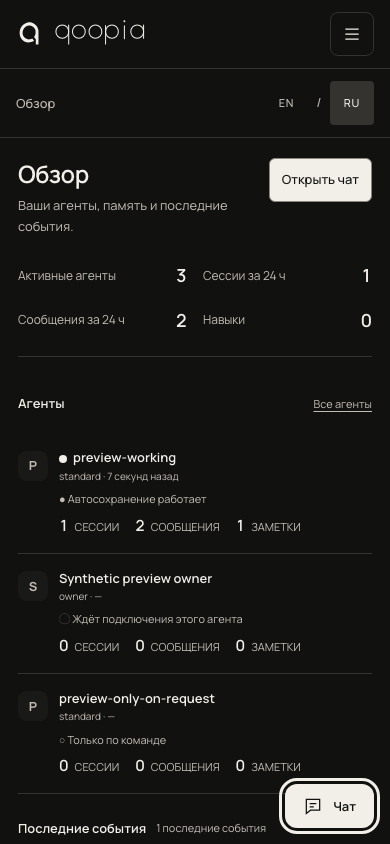

Your Qoopia. On your iPhone.
The full dashboard, in a web app on your Home Screen. Your agents and memory stay in your existing workspace.
Sign in with your email- Open your workspace
Sign in with the email you already use in Qoopia. Open the dashboard saved in your profile. If you have not saved it yet, add its HTTPS address from your computer.
- Confirm access
Your workspace checks access separately. Use its linked email and confirm the sign-in message. Return to the dashboard after confirmation.
- Add Qoopia to Home Screen
In Safari, open Share, then Add to Home Screen. Keep Open as Web App enabled and tap Add. Install from your dashboard, not this information page.
Your computer or server must stay online and be reachable from your phone. A localhost address works only on its own computer. An MCP connection address is not a dashboard.
No App Store download is needed for this web app. It requires a connection; private workspace data is not cached for offline use.